Complete Guide to Using ChatGPT in Mainland China: ChatGPT + FlClash Practical Tutorial #
1. Introduction #
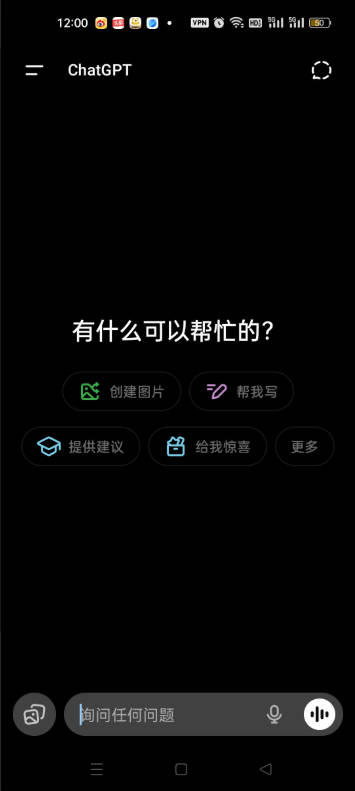
Since ChatGPT exploded in popularity worldwide, it has become a super tool for learning, office work, programming, writing, and marketing. However, accessing ChatGPT in mainland China faces network restrictions, making it impossible to directly visit the OpenAI website or use the official App.
This has discouraged many users and made “How to use ChatGPT in China” a continuously popular topic.
In fact, with a suitable proxy tool (such as FlClash) and a little network configuration knowledge, you can easily use ChatGPT in mainland China.
This process also contains significant business opportunities:
2. What is FlClash? #
FlClash is an open-source cross-platform proxy client that supports Windows, macOS, Linux, Android, iOS, and more.
It is compatible with multiple proxy protocols such as V2Ray, VLESS, Trojan, Hysteria2, Tuic, etc.
Compared with similar software like Clash, NekoBox, and Hiddify, FlClash features:
- 🧩 Open-source and free, no ads
- ⚡ Supports multiple protocols with strong compatibility
- 🪄 One-click import of subscription links
- 🌍 Supports global proxy / rule-based switching
- 🧠 Clean user interface, beginner-friendly
Therefore, FlClash is currently one of the best tools for Chinese users to access ChatGPT.
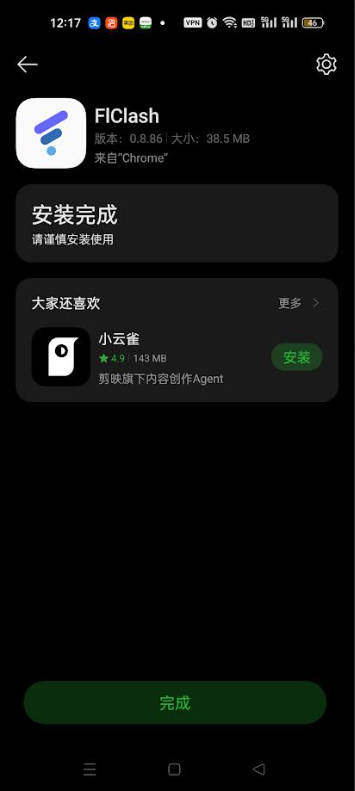
Click to download FlClash Android version
3. Steps to Use ChatGPT in Mainland China #
1. Prepare a Proxy Node #
To access ChatGPT, you need access to OpenAI’s IP ranges. Usually recommended:
- Regions: Japan, United States, Singapore
- Protocols: VLESS + Reality / Trojan / Hysteria2
You can build your own node or purchase a subscription service (airport).
Recommended Subscription Services #
- The following services charge by traffic volume. Software usage and installation tutorials are available on their websites.
- After purchasing traffic, there is no time limit — use until the traffic is exhausted.
| Name | Price | Traffic | Nodes |
|---|---|---|---|
| 魔戒 | 1 CNY | 1G | 30 |
| 网际快车 | 7 CNY | 20G | 54 |
| 牛逼 | 14 CNY | 200G | 31 |
| 飞鸟 | 10 CNY | 200G | 25 |
| 皮卡丘 | 15 CNY | 20G | 40 |
| happy猫 | 20 CNY | 200G | 27 |
| 农夫山泉 | 45 CNY | 200G | 40 |
| 宝贝云 | 55 CNY | 600G | 64 |
| 自由猫 | 65 CNY | 500G | 71 |
| 飞兔 | 30 CNY | 100G | 80 |
- Click any of the links above, register with an email, choose a cheaper plan and purchase
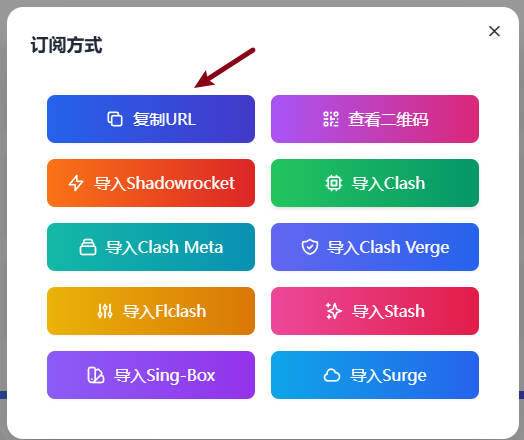
- Obtain the subscription link for later import into the software
2. Import the Subscription Link #
After opening FlClash, click:
Profiles → Plus icon → Enter subscription URL
Enter the subscription link provided by the service, for example:
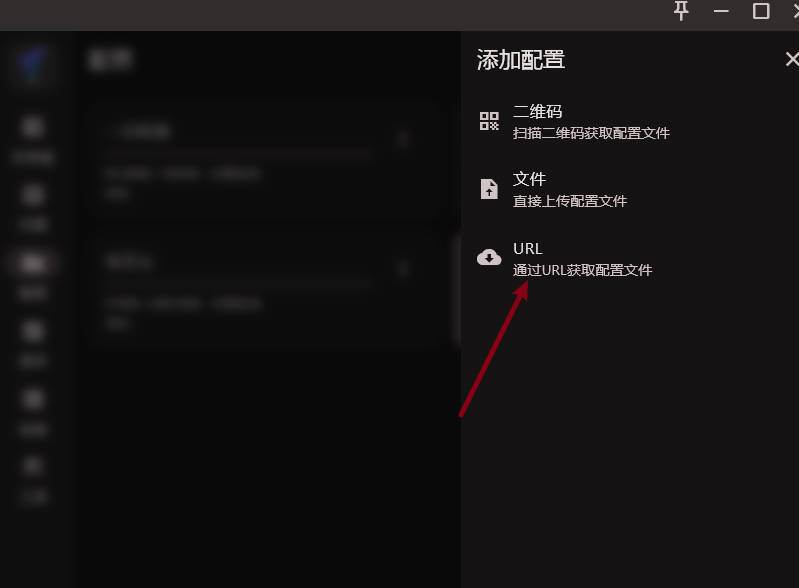
Click update to automatically load the nodes.
3. Start the Proxy and Test #
- Click Proxies, find the test button and run the test
- Select a node with lower latency and click “Enable Proxy”
- Click Dashboard, turn on System Proxy, turn on Global Proxy, and click Start in the bottom right
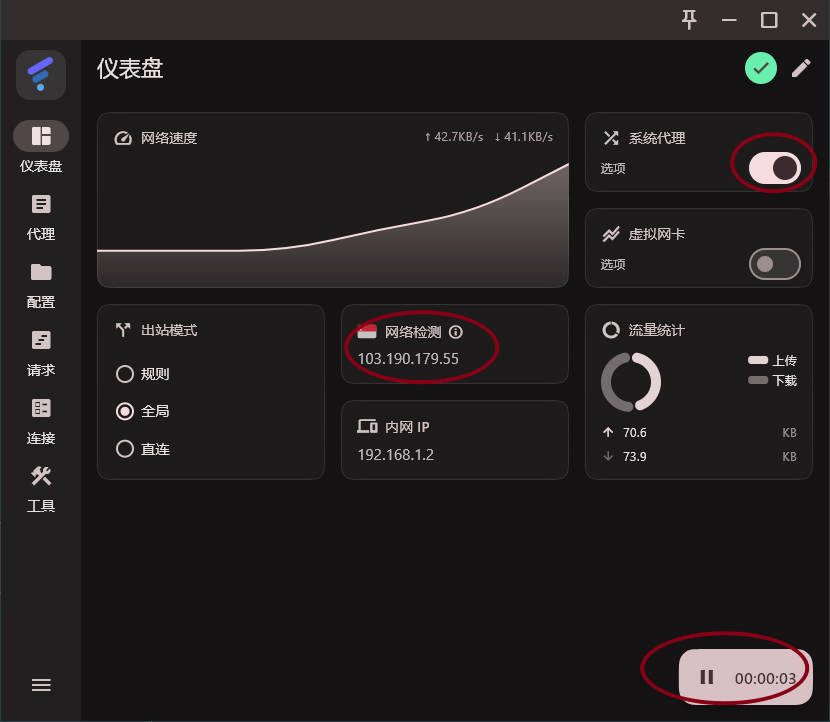
Then open a browser and visit: